What is this application?
Within this visualizer, users can seamlessly navigate the grid, restricted to movements in the cardinal directions of up, down, left, and right. It empowers individuals to engage with diverse pathfinding challenges, ranging from intricate maze-solving to route optimization, all while deepening their comprehension of fundamental graph traversal and search principles. The visualizer offers versatile options, allowing you to customize the grid size, introduce obstacles, modify start and end nodes, and select different algorithms.
Algorithms Used:
- Dijkstra’s Algorithm - An algorithm for finding the shortest paths between nodes in a weighted graph, which may represent, for example, road networks.
- A* Search - A heuristic searching algorithm that searches for the shortest path between the initial and the final state.
- Breadth First Search - An algorithm for visiting all nodes of a graph or tree data structure. Visit the neighbor nodes first, before visiting the neighbor’s neighbor nodes. Implemented using a queue and follows a FIFO(First In First Out) approach.
- Depth First Search - An algorithm for traversing or searching tree or graph data structures. Start at the root node and explore as far as possible along each branch before backtracking. Implemented using a stack and follows a LIFO(Last In First Out) approach.
Features:
- Users can select the algorithm they want to use to find the shortest path from the start node to the end node.
- Users can add and remove walls to the gird, making the maze more complex and customized.
- Users can change the start and end node to any node on the grid.
- Users can clear the grid and reset the grid to its original state.
- Users can randomize the walls on the grid to get a random maze.
- Users can change the size of the grid to make the grid bigger or smaller.
Takeaways:
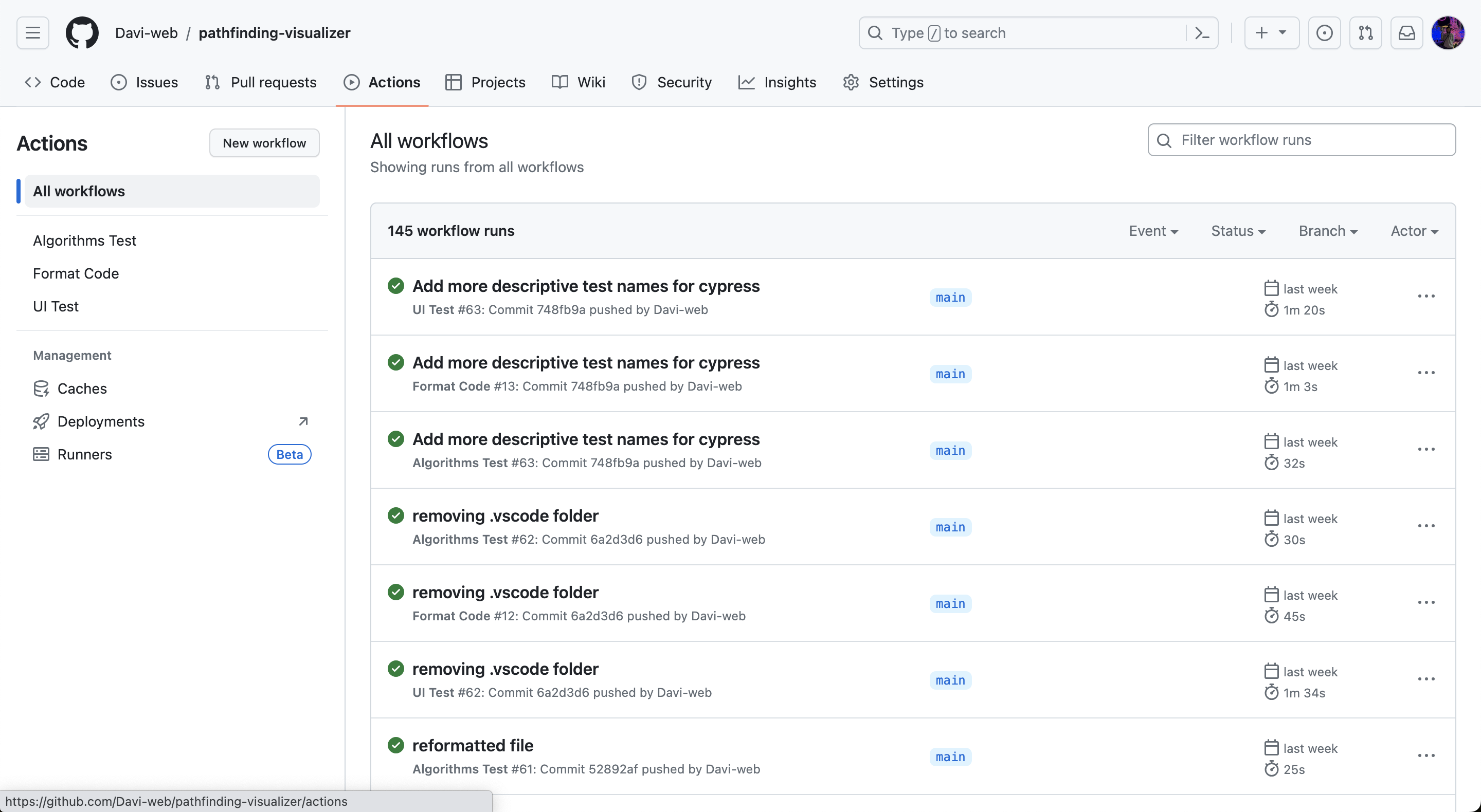
From this project, I was able to learn how to use FastAPI, which is a backend technology to write server code in Python. I was comfortable with using Python from using it to practice for interviews, and I believed that this project would be a good way for me to showcase my versatility in other languages. It was suprisingly easy to use FastAPI; although I ran into a few hiccups mananging two package managers(pnpm and python virtual env) as well as making sure the FastAPI would be able to connect to the NextJs project. This project helped me become more comfortable using python tools and libraries. I was also able to add basic unit testing for the frontend and backend code to ensure that my code was working as intended everytime someone pulls or pushes from the repository. I was also able to learn how to use Github Actions to automate the testing and deployment process. I was able to set up a CI/CD pipeline that would run the unit tests everytime someone pushes to the repository.
- If the tests pass, then the code will be deployed to the production server.
- If the tests fail, then the code will not be deployed to the production server.
- Instead it will point to the last successful build(serverless function) on Vercel.
I tested the backend algorithms using PyTest and tested that the frontend pages would load in correctly using end to end testing with Cypress. The frontend test will run on node 16.x and 18.x to ensure that it works on both versions. After the tests, I setup another workflow to format the code using prettier. This was not necessary but could be for larger teams where there are constant pushes and pull requests. To create these workflows, I had to work with Yaml files and creating a pipeline using bash scripting. This project was a great way for me to learn how to use CI/CD with Github Actions for my specifc use cases!
 Check out the website